One door for my notes
Ten days ago, I wrote why I am building orgthread. Then I started to build it. On the first day of the build, my AI agents already used it for their daily work. A week ago, I showed the small software factory that builds it.
This post tells what the tool does now, what I learned, and what still goes around it.
From a recipe card to one door
In the first post, my folder of notes was a shared kitchen with many cooks. Before orgthread, the rules for a safe change hung on the wall, like a recipe card. Each agent read the card and did the steps itself. Most of the time, that worked. But each cook read the card in its own way.
Now a tool does the steps, and they are the same each time. First, it takes a lock, which is a “busy” sign that stops a second writer. Then it checks that the file did not change since the agent read it. It writes the new text and reads it back, to make sure that the text arrived as sent. For each attempt, the tool writes one line to a log.
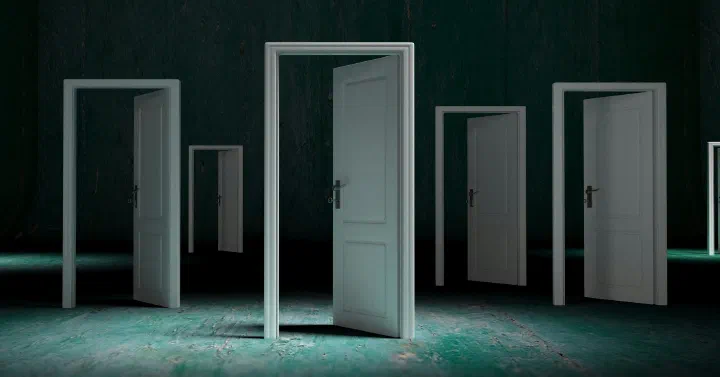
The tool is also one door with two entrances. My agents on the Mac use one entrance. My chats on the phone and the tasks that run at night use the other one, on a server that I run myself. At the door, a doorkeeper checks each change. Is the file still fresh? Is the folder open? If the answer is no, the change stays outside.
What the door does today
Most of the daily work is four actions:
- Read a file.
- Write a file: the agent sends the full new text.
- List a folder: the agent sees which files are on the shelf.
- Patch a file: the agent sends only the lines that change. For a long file, this is faster and safer.
The door also does the other jobs of a folder: search, copy, move and delete, and pictures and PDFs through links for one use. The factory post tells how those came in. A delete works only in the few folders that I open for it.
The doorkeeper can also say no. One answer is “changed since you read it”. This is the cook from the first post, with an old copy of the recipe. Another writer changed the file after the agent read it. The doorkeeper stops the write, and the file stays as it is. The agent reads the file again and makes its change on the new text.
On both entrances, a review screen in the terminal shows each change and what it changed. Since last week, I can also undo a change there. I pick the change, press r, and say yes. The undo goes through the same checks as any other write.
What I learned
The old door did not always open. Before orgthread, my phone and cloud chats used the Dropbox connector. A connector is the link that lets a chat in the cloud use a service such as Dropbox.
In one test, the connector could not read 7 of 16 files. Through orgthread, the same 7 files had no problem. I do not know the cause inside Dropbox. But that test is one reason to close the old door.
Start simple. On the first day, I told my agents: you make this too complex. Choose a simple solution first, and make it better step by step. Since then, each design has a part with the same name: “keep it lean”. The list and the patch each went from a plan to my server on the same day.
Small things also help. Sometimes a task does not get an answer, and it sends the same change again. If that change replaces lines, the doorkeeper sees that the new lines are already in the file. It stops the second copy.
Settings grow fast. Within a week, the tool had 27 settings. I could not keep them in my head. So it now has a settings screen in the terminal. A wrong value stops the tool before it does anything.
Not quite “never”
In the first post, I wrote that AI agents never touch my Markdown or Org files directly. Org is a plain-text format for notes and tasks. “Never” is my aim, but it is not fully true yet.
Today, the rules for my agents say: orgthread first, Dropbox second. Each daily job of my agents now goes through the door. But the old Dropbox door is still open, for two cases. When the new door does not answer, a chat goes back to the old one. And a few rare jobs outside the folders that the door opens still use Dropbox.
The first post also named four parts. Two of them work today, at least in part:
- Safe writes: the lock, the freshness check, the log and the undo work.
- Owner rules: each entrance has its own list of closed folders and folders that are read only. Rules for each file or each agent are not built yet.
The outside-text guard and the nightly checks are not built yet.
Where it stands
The last step is to close the Dropbox connector. Then my chats in the cloud and on the phone have no way around the door. My agents on the Mac can still open the files on the disk. For them, the rules say: use the door. A check that makes sure that they do this is not built yet.
One door has a cost: it is also one place that can fail. If my server stops, my phone chats cannot open my notes.
So I have not decided yet when to close the old door. Maybe I keep it open for some weeks, but stop all use of it. When the log shows no more use, I close it.
Follow along
Ten days ago, my agents read a recipe card on the wall. Today, all of their daily changes go through one door, and a doorkeeper checks each one.
The code is public on GitHub. To follow the build, subscribe to the Build log feed.